Buy once for v1.x
The Direct edition is a one-time purchase. No subscription is required to keep the editor, worldbuilding tools, or export workflow usable.
Start with a seven-day full-use Direct trial, or buy a one-time Mac license and bring your own AI keys, Ollama, or a self-hosted OpenAI-compatible server.
Stop juggling character notes, timeline spreadsheets, and generic chat tabs. Everything your story needs lives in one place.
Prefer App Store billing? Writers Studio is live on the Mac App Store as a free download with optional AI subscriptions.
The Direct edition is for writers who care more about ownership, privacy, and flexibility than having Apple handle billing.
The Direct edition is a one-time purchase. No subscription is required to keep the editor, worldbuilding tools, or export workflow usable.
Use your own OpenAI, Anthropic, or Gemini keys, or connect Ollama or a self-hosted OpenAI-compatible AI server when privacy and cost control matter more than convenience.
Draft, worldbuild, check continuity, and export in one native app instead of stitching your process together across notes, docs, and generic chat tabs.
Choose the buying model that fits you best: Direct is a one-time $59 purchase for v1.x, while the Mac App Store edition is a free download with optional Basic and Pro cloud AI subscriptions.
One-time license · BYOK cloud AI + self-hosted AI
Standard price · Lifetime v1.x license
macOS 15+ · 30-day money-back guarantee · One-time purchase
Free download · No API keys required
Live on the Mac App Store
App Store billing and automatic updates
Screenshot-led product tour
If the page has to sell without a demo video, the screenshots need to tell a clean story: write, structure, then verify.
1. Draft with context
This is the core promise of Writers Studio: the manuscript and the assistant live together, so you are not re-pasting lore, character notes, and scene context into a generic chat tab.
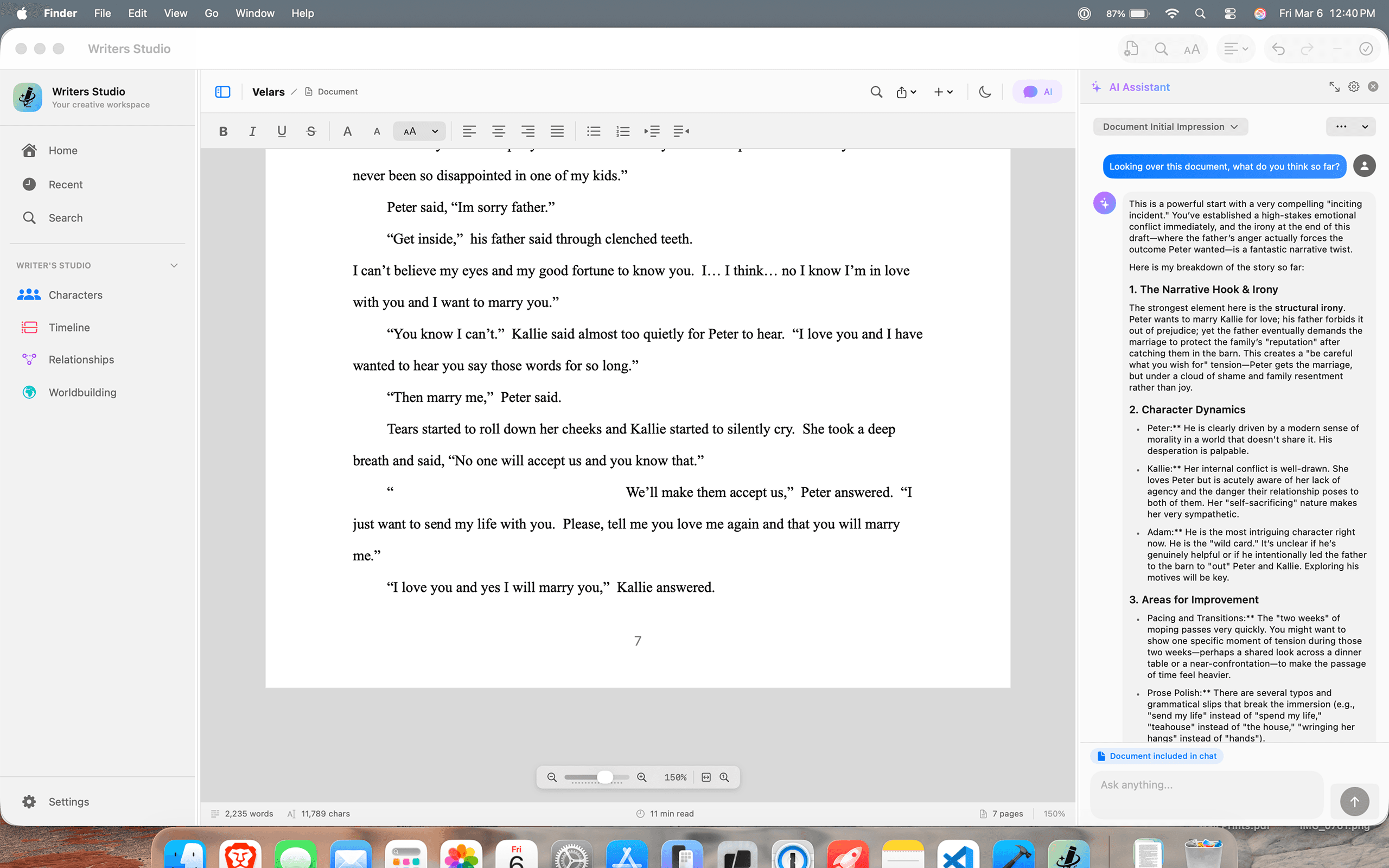
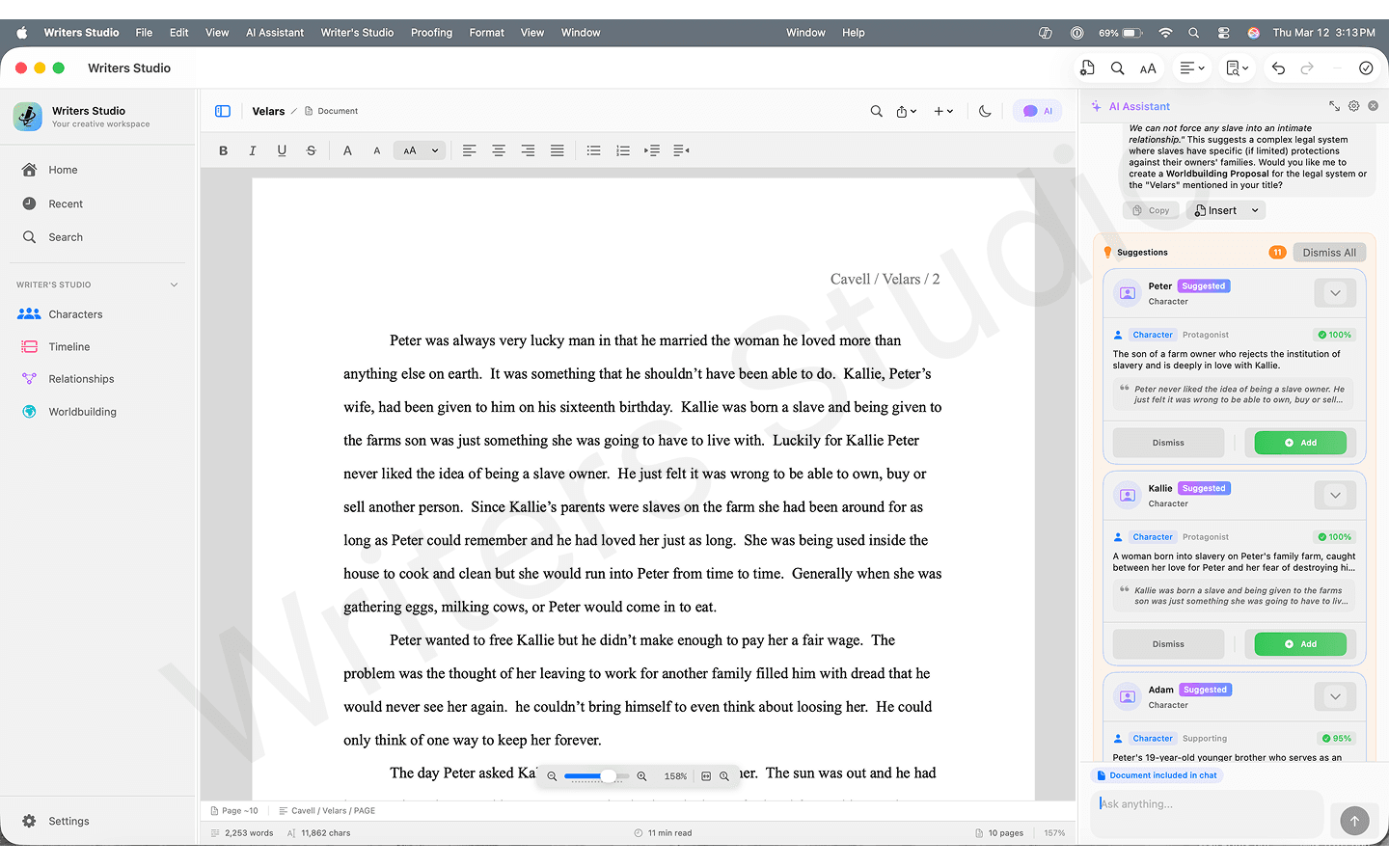
2. Build the story bible from the draft
Instead of maintaining a separate world bible by hand, you can extract entities from the prose and refine what the app proposes.
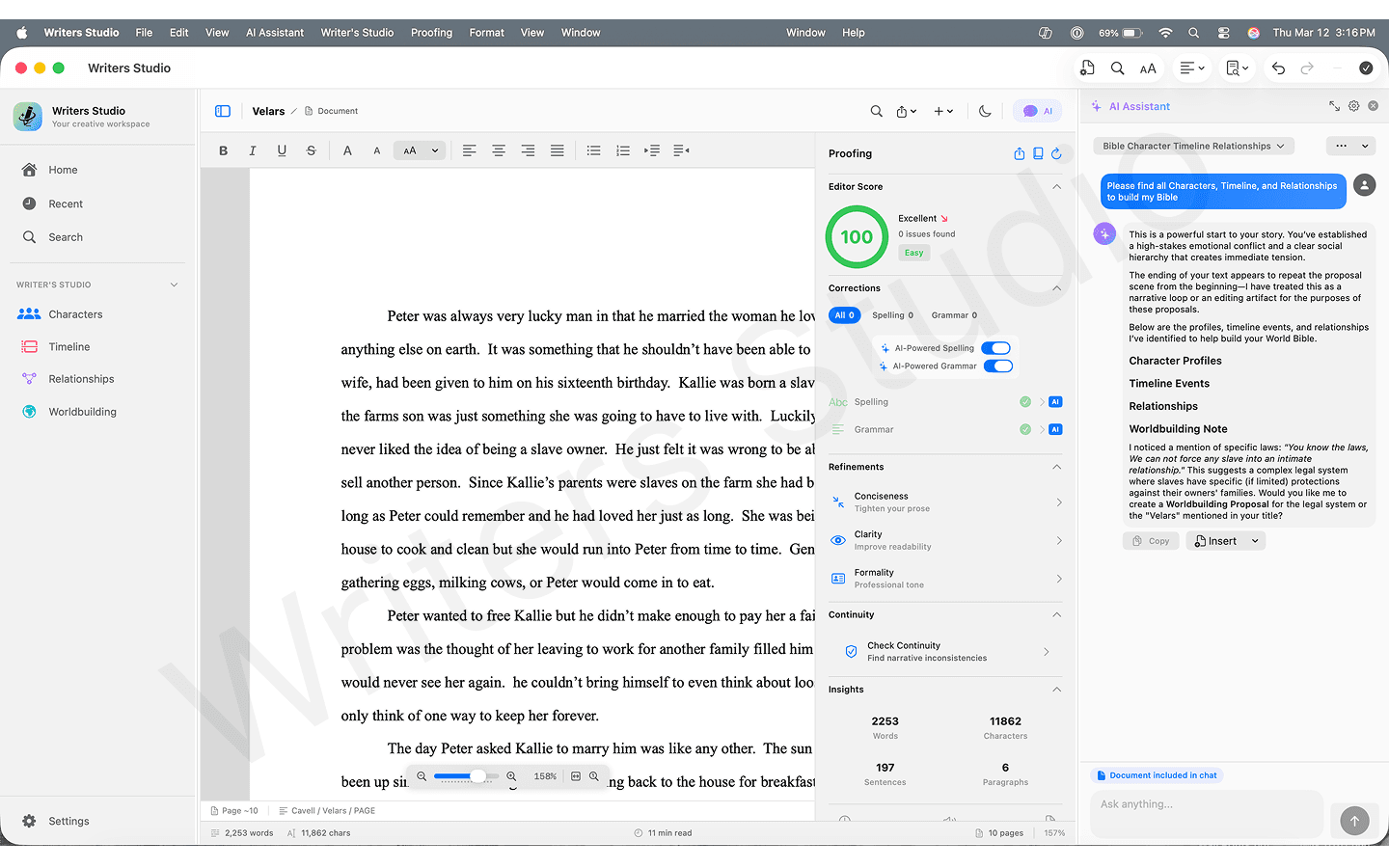
3. Check continuity before readers do
This is the strongest reason to switch from a normal writing tool or standalone AI. Writers Studio is designed to catch problems across the manuscript, not just answer prompts.
Revision use case
Import or open an existing manuscript, turn story details into structured worldbuilding, then run continuity checks for the places where the draft drifted: changed descriptions, timeline gaps, renamed characters, and story-world rules that no longer line up.
Bring in the draft you already have
Extract the story bible from the manuscript
Check the second half against what the first half established
A quick look at the live writing, worldbuilding, and AI-assisted workflow inside Writers Studio.
Draft and revise with an assistant that stays grounded in your story context.
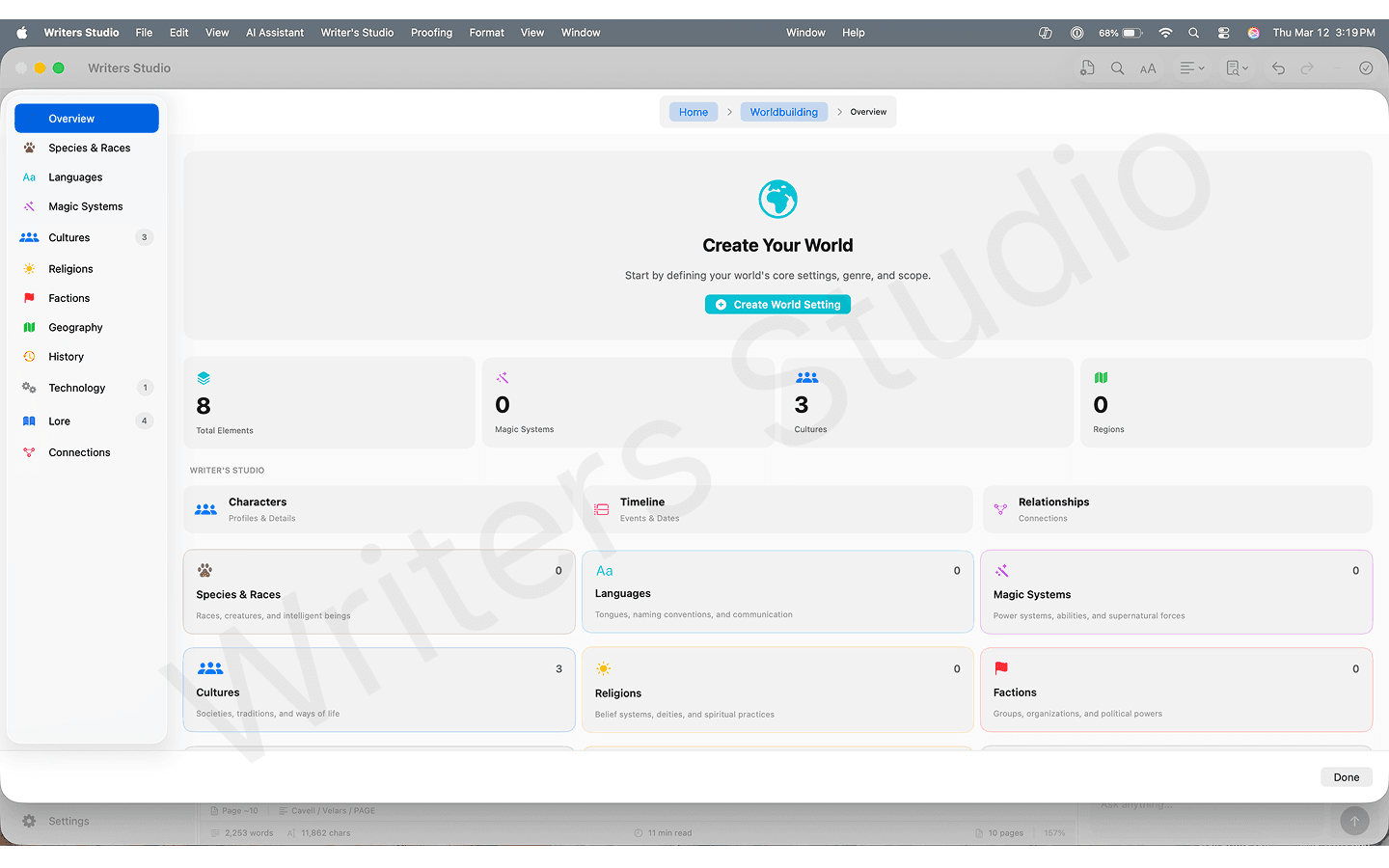
Track characters, locations, lore, and timeline details from one organized workspace.
Turn manuscript passages into structured entities you can approve and edit.
Catch cross-chapter conflicts before they reach your editor or beta readers.
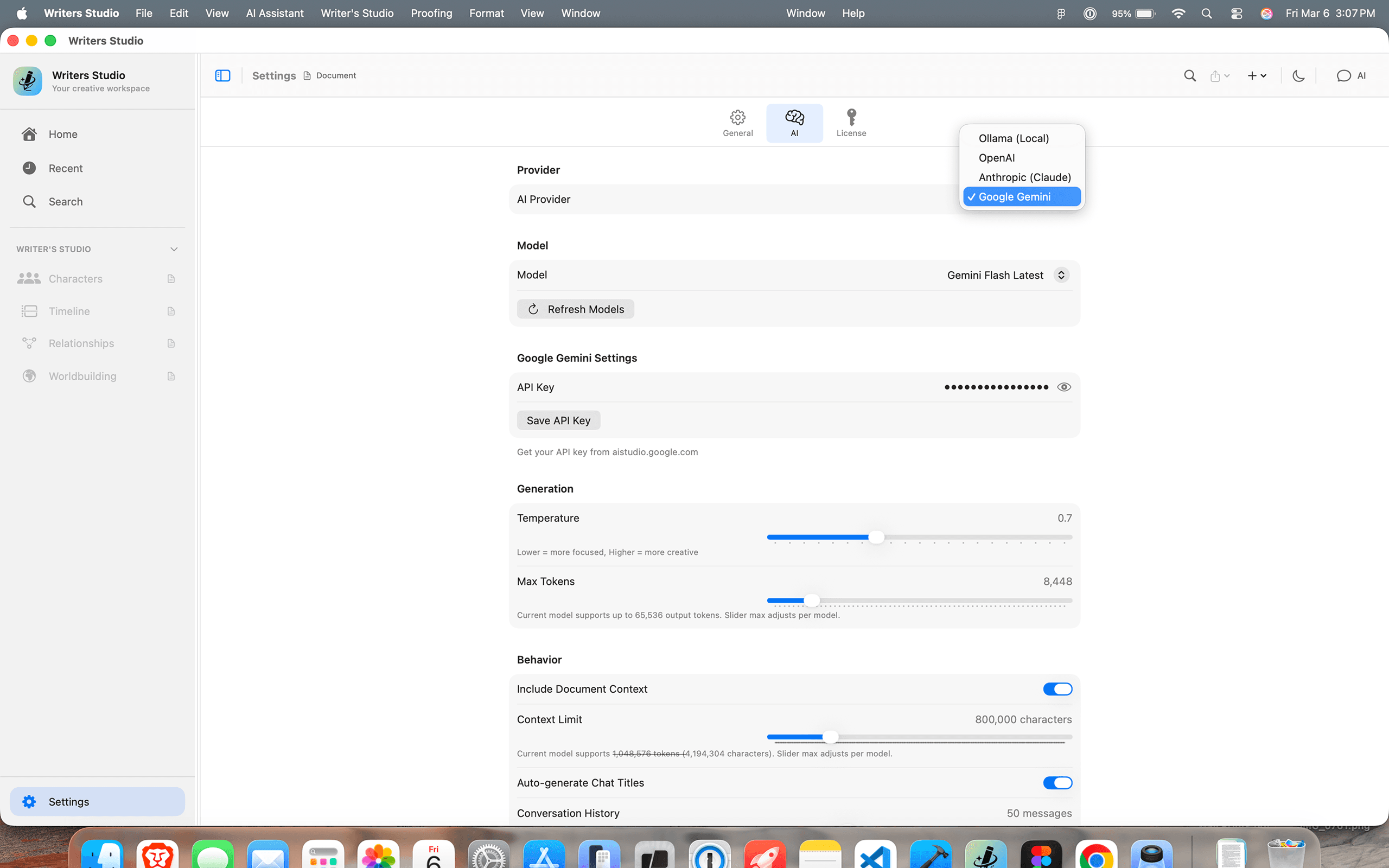
Configure cloud providers, Ollama, or a self-hosted compatible server in one place.
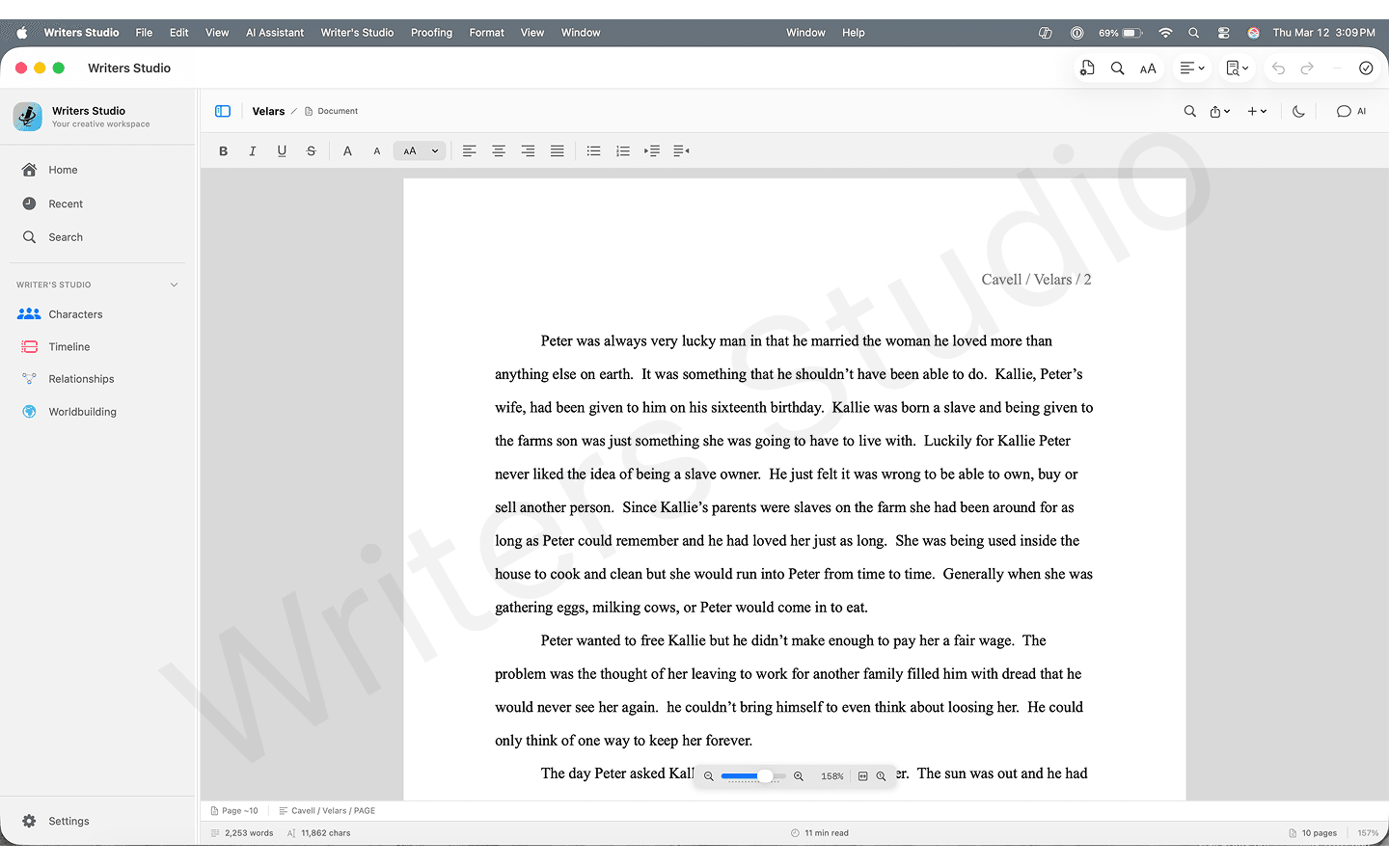
Write in a clean, distraction-free editor designed for long-form fiction.
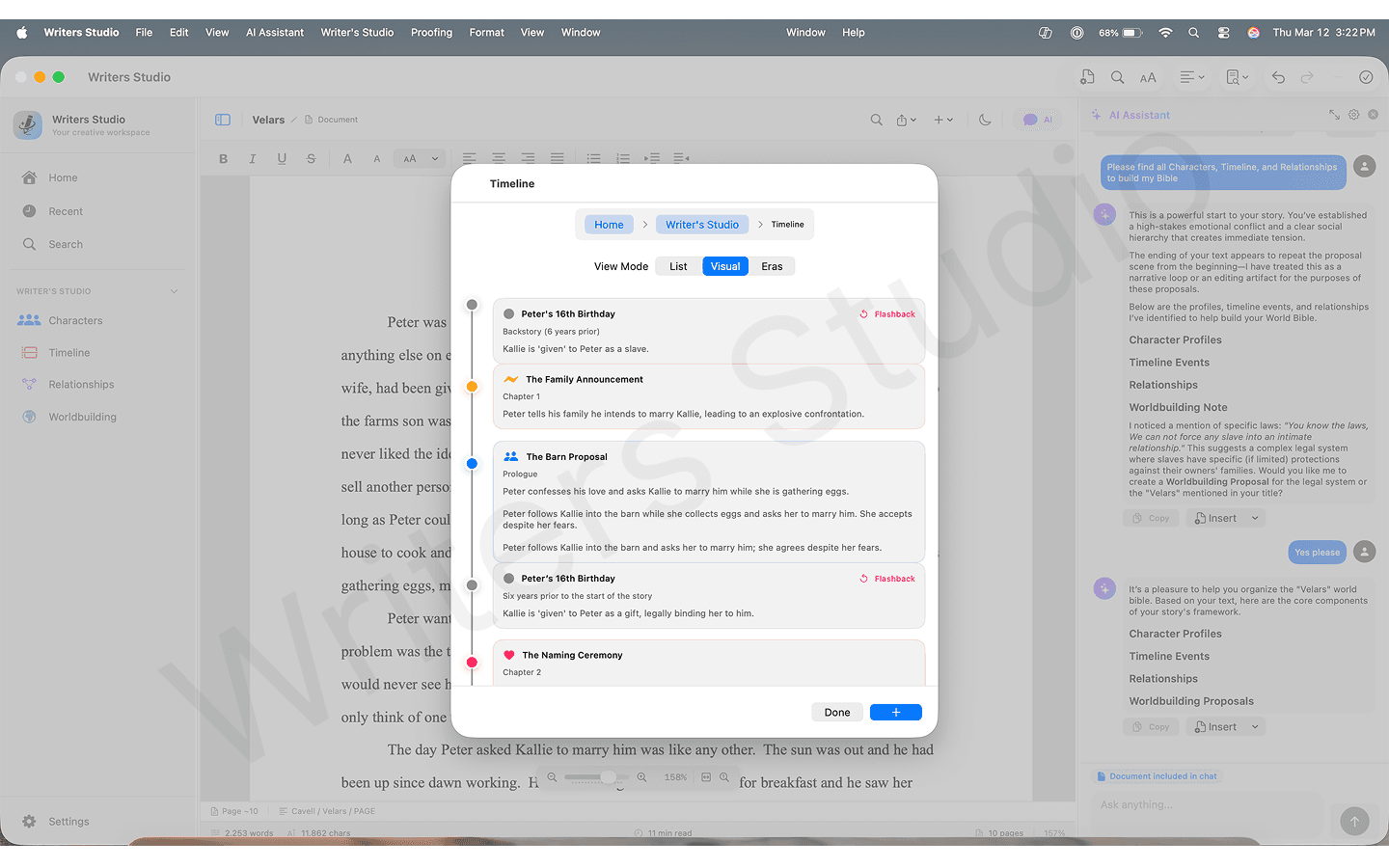
Plot events across chapters and arcs in an interactive timeline view.
| Capability | Writers Studio | ChatGPT / Claude (standalone) | Scrivener / Ulysses |
|---|---|---|---|
| AI with persistent story context | Yes — knows your world | Resets every session | No AI |
| Continuity conflict detection | Yes — across chapters | No persistent context | Manual only |
| AI entity extraction | Yes — auto from prose | Manual prompts only | No |
| Self-hosted AI | Yes — Ollama or compatible server | No | No |
| Export formats | 8 formats incl. FDX | Copy/paste | Usually DOCX/PDF only |
Organic discovery stays here
This page is intentionally sales-focused. These links are the secondary path for people who arrived from search and still need buyer-intent content before deciding.
Best for writers asking whether they need a drafting container or a story-management workflow with AI context.
Open resource →
Useful if you like minimalist writing tools but need more continuity, worldbuilding, and manuscript structure.
Open resource →
Helpful for authors comparing formatting-first tools against a writing app built for active drafting and revision.
Open resource →
Use the blog if you want more educational content, comparison articles, and longer-form writing workflow guidance.
Open resource →
Founder Story
I built Writers Studio for my wife. She is a hobbyist writer who is deeply creative, but she kept running into the same friction: character bible notes in one place, timeline details in another, and draft edits spread everywhere. I wanted one app that could keep her world and manuscript in sync while still feeling like a writing editor she actually enjoyed using.
I built Writers Studio at LiteStep, starting from a very personal use case at home, then expanding it for other fiction writers facing the same workflow problems.
She wrote a 250k-word manuscript and used the built-in AI chat that had access to her full document. Together, we discovered it was not one oversized book, it was actually three complete books hiding inside a single draft.
It helps writers track character and timeline consistency, reduces context switching, and makes editing easier for dyslexic writers with guided AI support. Most importantly, it helps long drafts become clear, structured books.
Questions about the roadmap or launch priorities? Contact the founder.
Direct ($59 for v1.x): Use your own API keys for OpenAI, Anthropic, or Google — your writing never touches our servers. Use Ollama or a self-hosted compatible server in either edition; those requests go directly to the server you choose and do not consume cloud AI allowances.
App Store (Free): AI features via our cloud proxy with optional credit subscriptions. All core writing, worldbuilding, and export features work without any subscription.
Stop manually transcribing characters and locations into a separate bible. The AI reads your draft and builds structured profiles for you — approve the ones it gets right, dismiss the rest.
No more embarrassing beta-reader emails about eye colors that changed chapters ago. AI scans your full manuscript and flags contradictions before they leave your hands.
Your character bible, world lore, and locations live in the same app as your draft — always one click away, never a separate document you forgot to update.
When your manuscript is ready, export in the exact format your publisher, agent, or distributor needs — DOCX, PDF, EPUB, FDX, and more. No reformatting, no copy-pasting.
Your manuscript is your work-in-progress — not training data. In the Direct edition, AI requests go directly to your chosen provider. Your words never pass through our servers.
Write on a plane, at a cabin, or anywhere without Wi-Fi. Your drafts are on your Mac, not in the cloud. Losing internet only pauses AI — your editor always works.
If you already want the Direct workflow, buying Direct is mainly about ownership, BYOK cloud AI, and faster access to Direct updates.
Direct buyers get immediate access through the one-time purchase workflow.
The Direct edition is a one-time $59 purchase for the full v1.x lifecycle, with no subscription required.
Current Direct buyers are close to the founder feedback loop for polish, onboarding, and quality-of-life fixes.
Product feedback
Send rough product feedback directly to the founder. This is for friction notes, bugs, and workflow gaps, not polished testimonials.
From first draft to final export — your characters, world, and continuity all in sync.
$59 standard price · Lifetime v1.x license
Immediate access · 30-day money-back guarantee